


For many of us, work didn’t really begin again until a few weeks into the year. The inbox filled up, meetings returned, and routines quietly locked back into place.
And then came the discomfort.
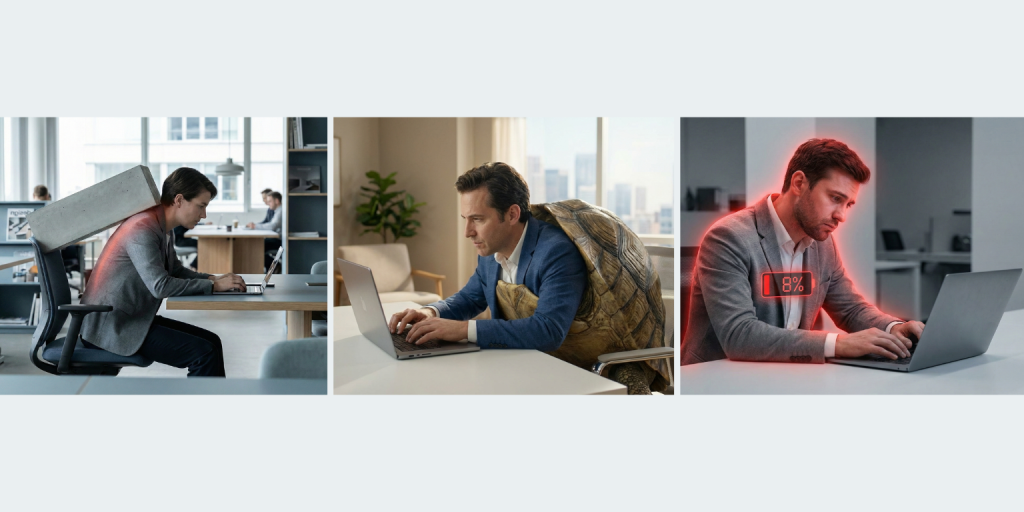
A stiff neck before lunch. Tight shoulders by mid-afternoon. A dull ache in the lower back that wasn’t there over the holidays. This isn’t a motivation problem or a discipline issue. It’s often desk setup pain making itself known once work becomes repetitive again.
The issue isn’t how hard you’re working. It’s how much your body is compensating while you work.
Why Pain Shows Up Weeks Into Work
Pain rarely appears immediately. At the start of the year, movement is higher and workdays feel lighter. Over time, the body starts to notice patterns.
Long periods of sitting, minimal movement, and static postures create low-grade muscle fatigue. When your screen is slightly too low or your input devices are just out of reach, your neck, shoulders, and wrists quietly work overtime.
That’s why desk setup pain often appears a few weeks in. The strain is subtle, cumulative, and easy to ignore—until it isn’t.
Common Desk Setup Mistakes That Add Up
This is where most discomfort begins. Not with dramatic errors, but with everyday compromises that feel harmless.

Laptop Screen Sitting Too Low
When a laptop sits directly on the desk, the screen drops well below eye level. The neck tilts forward slightly, then stays there for hours. That forward angle doesn’t feel extreme—but the neck isn’t designed to hold it all day.
This is one of the most common causes of desk setup pain, especially for laptop-based work.
Screen Positioned Too Far Away
A screen that’s too far away invites leaning. The head moves forward, shoulders follow, and posture slowly collapses. This creeping forward motion often goes unnoticed because it happens gradually.
By the end of the day, the upper back and neck feel the cost.
Keyboard and Mouse Creating Shoulder Tension
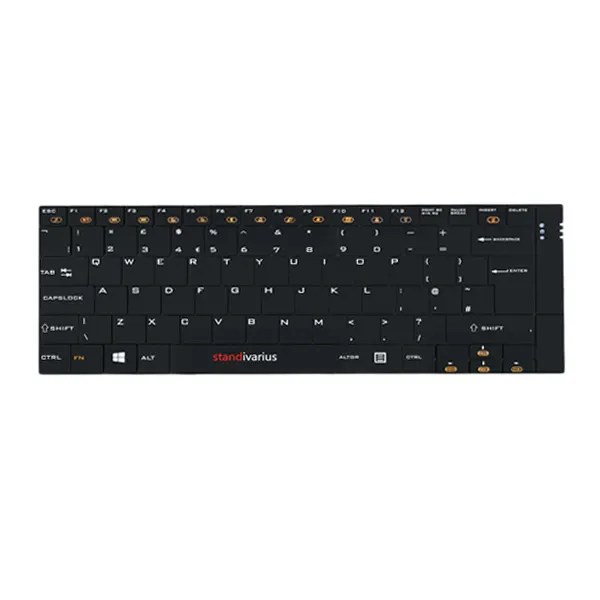
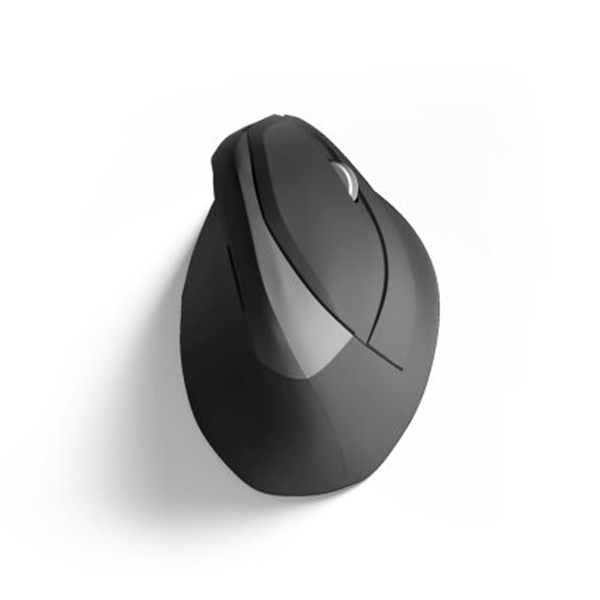
Cramped input devices pull the shoulders inward or upward. Over time, this creates constant tension through the neck and upper back. The hands may feel fine, but the shoulders stay engaged when they should be relaxed.
This is a quiet contributor to long-term desk setup pain.
Chair Offering Little Real Support
Even a good chair can fail if it isn’t supporting the lower back properly. When support is missing, the spine does extra work just to stay upright.
That effort accumulates, especially during long, uninterrupted work sessions.
Small Fixes That Actually Work
Fixing desk setup pain doesn’t require a complete office redesign.

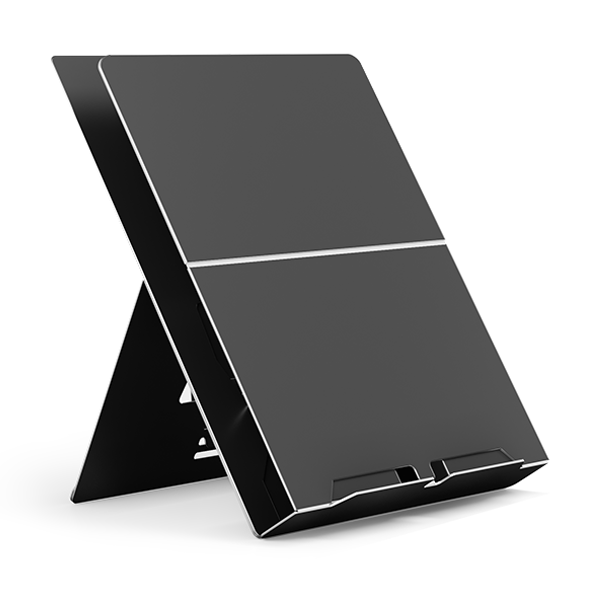
Raising the screen to eye level using a laptop stand like ETRA or Oryx evo D, can immediately reduce neck strain. Separating the keyboard and mouse from the laptop allows the shoulders to settle into a more natural position.
Keeping reference materials at eye level helps prevent constant head turning, while small adjustments to desk layout reduce unnecessary reaching and tension.
These changes work because they remove the need for your body to compensate. Less compensation means less fatigue—and more sustainable comfort.
General Ergonomics Habits That Support Your Setup
Even a well-designed setup benefits from supportive habits.
Short, regular breaks help reset posture before tension builds. Light stretching keeps muscles from locking into one position. Staying hydrated and organising the desk so frequently used items remain within easy reach reduces unnecessary strain.
Alternating between sitting and standing—even briefly—adds movement back into the workday, something the body responds to remarkably well.
Closing Reflection
Discomfort isn’t a failure. It’s feedback. When pain starts appearing a few weeks into the work routine, it’s often a sign that your setup needs support—not that you need to push through. Thoughtfully designed ergonomic tools help reduce everyday strain, improve posture, and support productivity across different work environments—whether you’re office-based, hybrid, or fully mobile.
Ready to improve the way you work?
Explore our Ergonomic Options