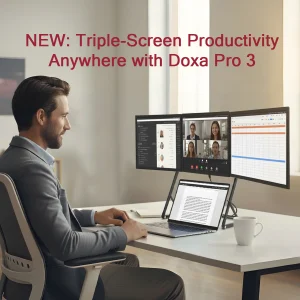


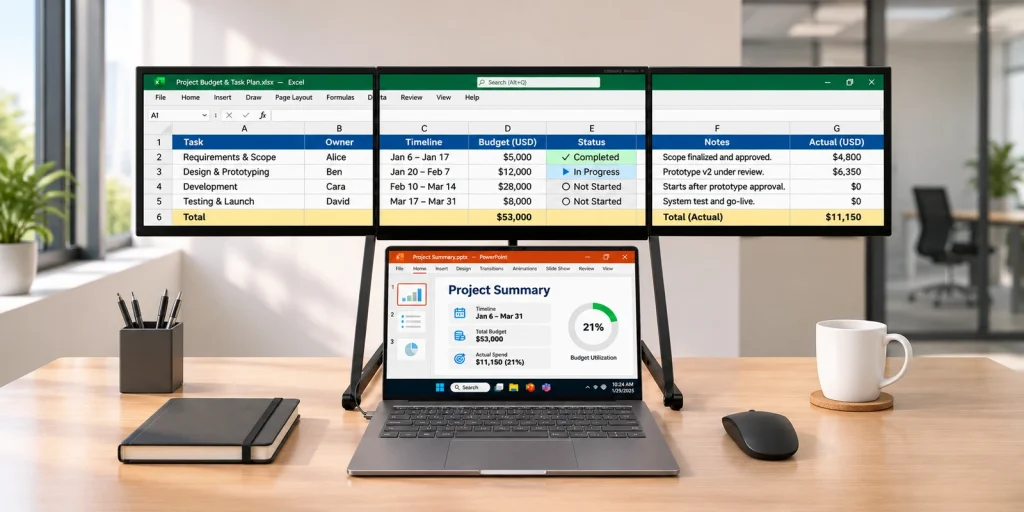
A well-designed low vision workstation should offer more than magnification. It should provide the space and flexibility to work with both detail and context.
For low-vision users, enlarging text, images and on-screen details often means sacrificing valuable screen space. Reading documents, referring to spreadsheets and working across multiple applications can involve frequent window switching, interrupting the workflow.
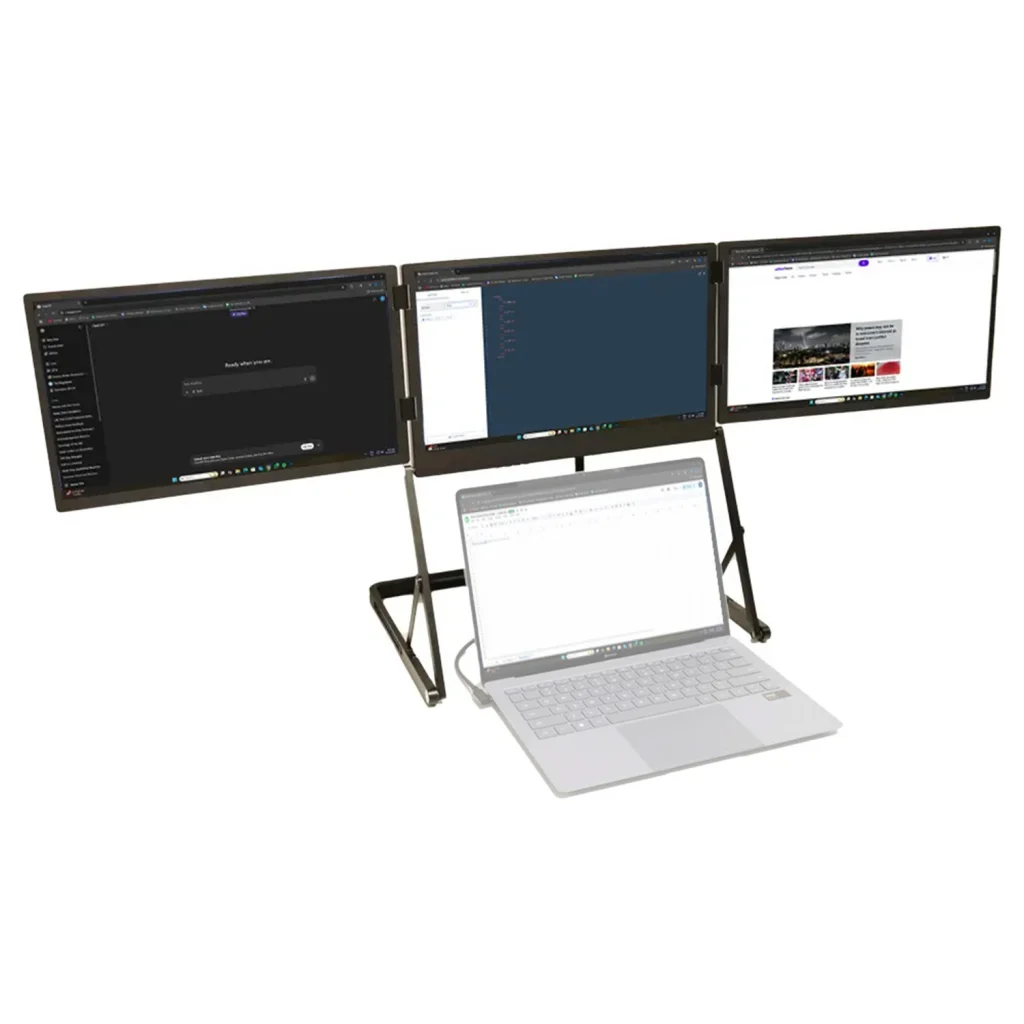
With three 15.6-inch Full HD displays and an integrated adjustable stand, Doxa Pro 3 offers a portable workstation that can be adapted to individual viewing needs.
More Space for Magnification
Larger text and enlarged details can make digital content easier to read, but they also occupy more screen space.
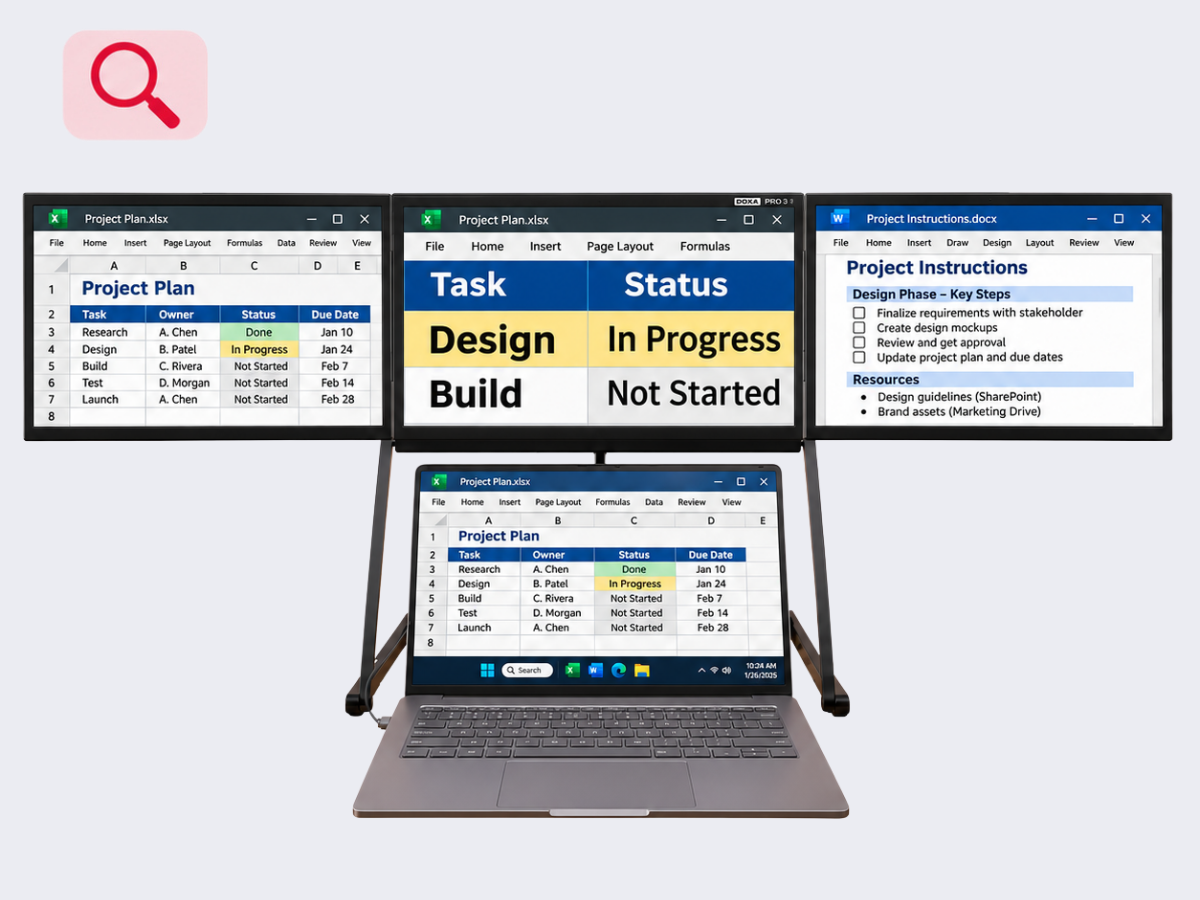
Doxa Pro 3 provides additional display space, allowing users to work with magnified content while keeping other essential information visible on neighbouring screens.
Assistive software such as Dolphin SuperNova, ZoomText, Windows Magnifier and the NVDA screen reader can complement a low vision workstation, subject to individual requirements and system compatibility.
Keeping Important Information in View
Magnifying information should not mean losing sight of the bigger picture.
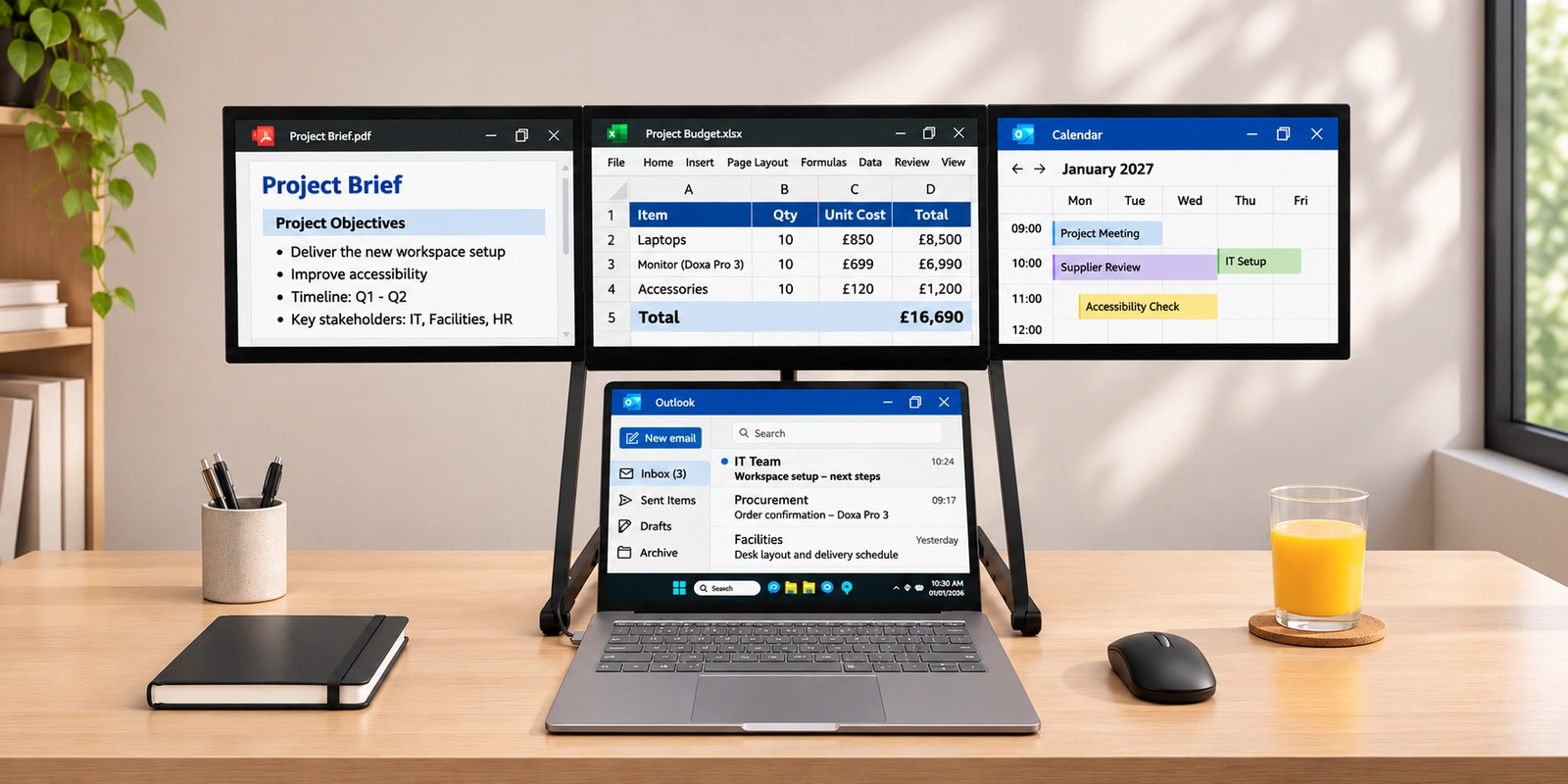
With Doxa Pro 3, users can dedicate one screen to magnified detail, another to reference material and a third to an active working document.
Keeping relevant information visible simultaneously can reduce repeated window switching, help maintain working context and support productivity.
Adapting the Workstation to Individual Visual Fields
No two low-vision users have exactly the same viewing requirements.
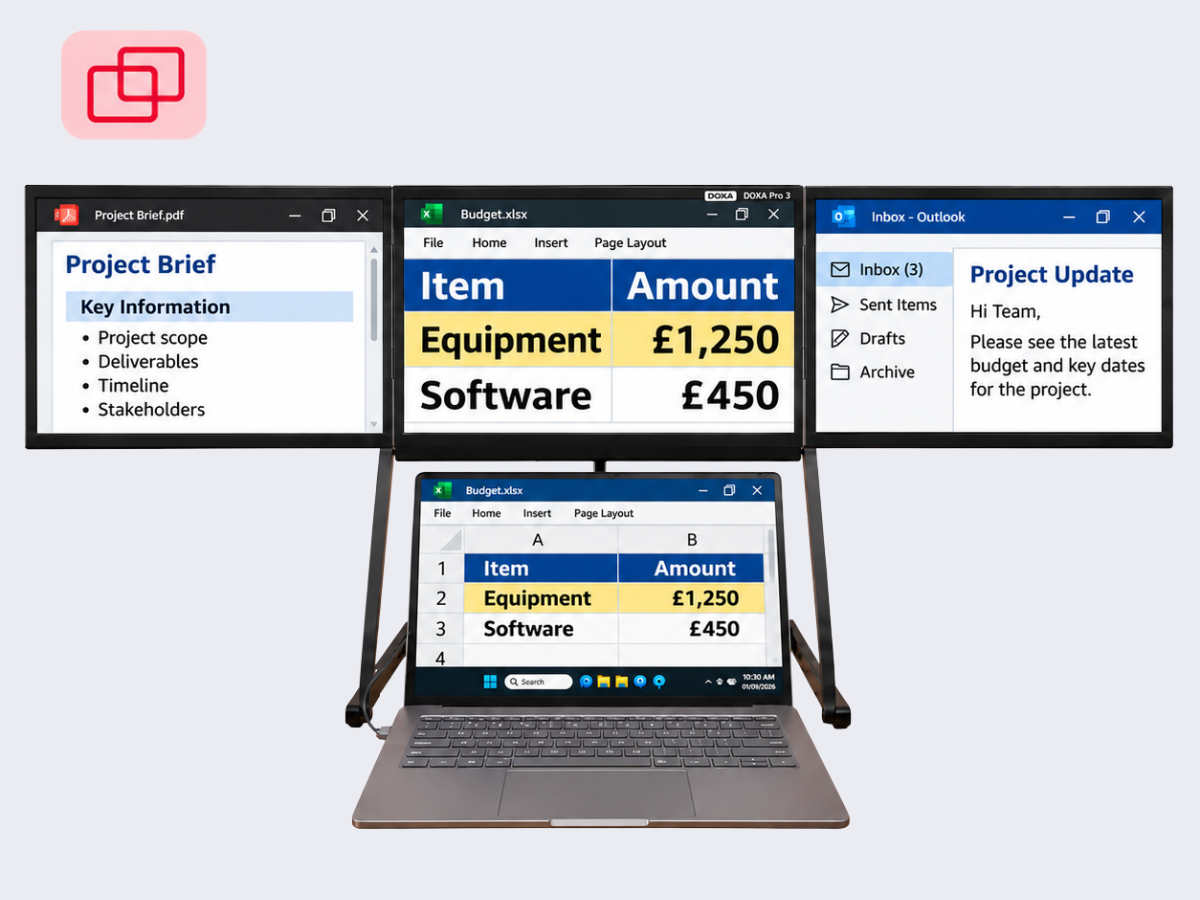
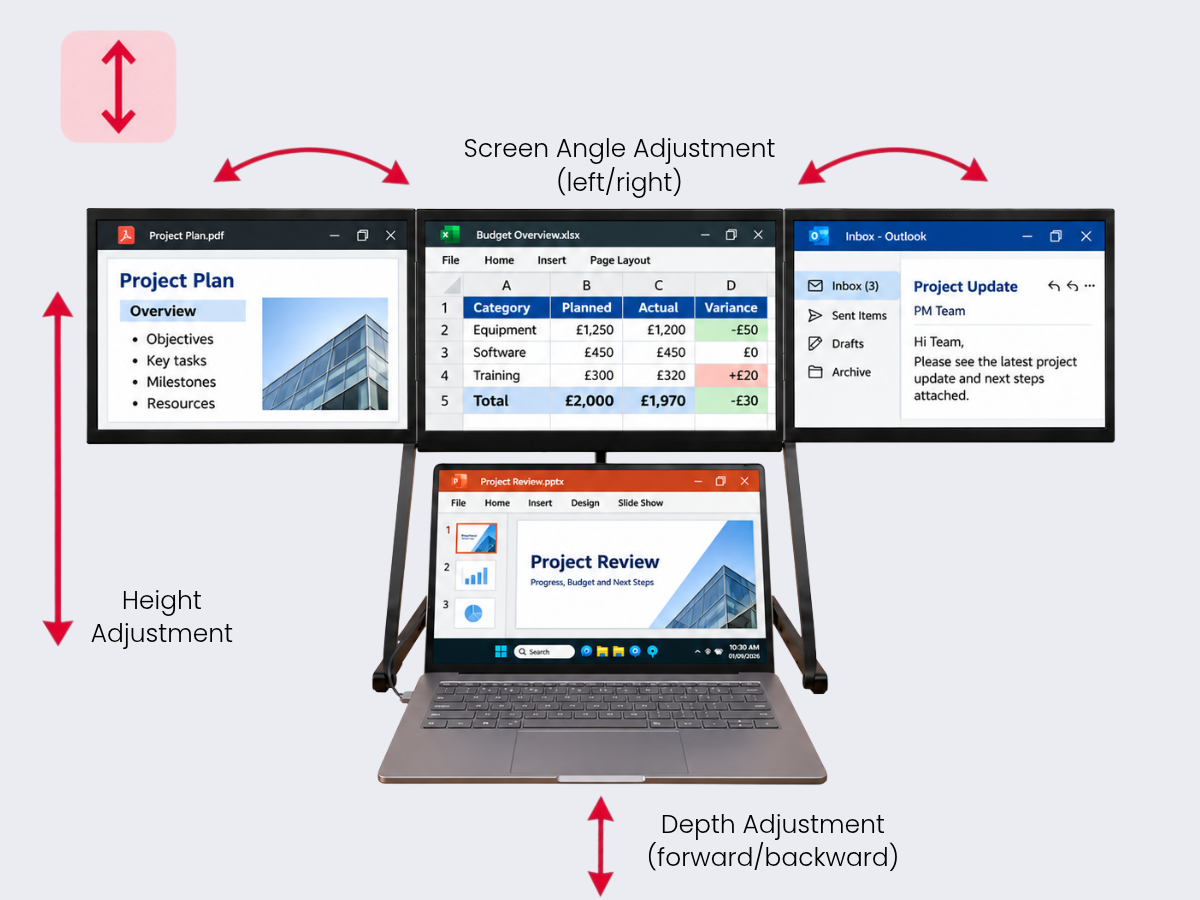
Doxa Pro 3 allows users to adjust screen height, viewing distance and side-screen angles to create a display arrangement that better suits their individual visual field.
This flexibility allows users to configure their low vision workstation around their viewing needs rather than adapting to a fixed screen arrangement.
Flexible Screen Configuration
Different tasks require different ways of viewing information.
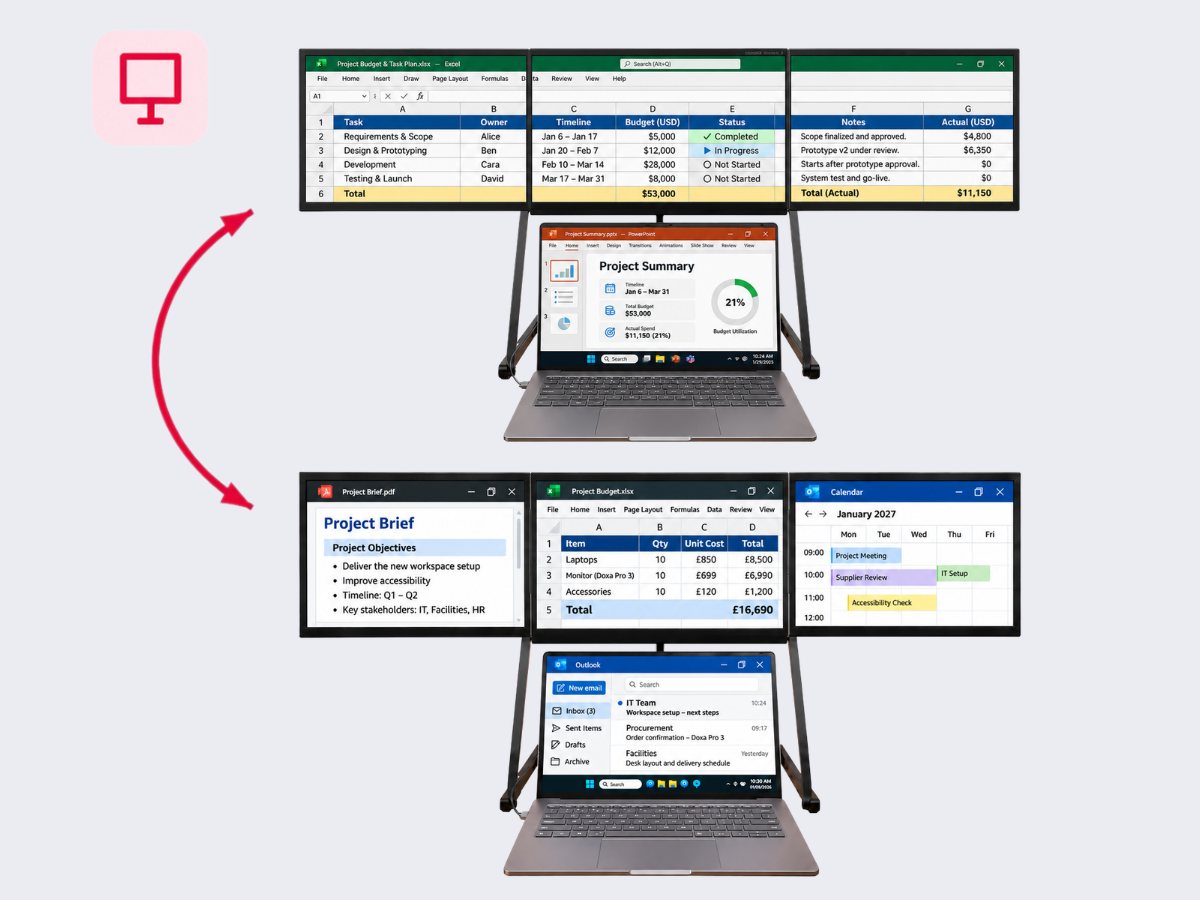
Doxa Pro 3 offers the flexibility to extend a wide application across all three displays or use them as separate workspaces, depending on the software and display settings.
From reviewing large spreadsheets to working with multiple documents, users can organise their digital workspace around the task at hand.
Carry Your Work with Clarity and Context.
An effective assistive workstation starts with understanding the individual’s needs. Viewing requirements, everyday tasks, laptop performance and assistive software compatibility should all be considered. Working with assistive technology specialists, workplace assessors and IT teams can help establish the most suitable configuration.
Accessible working is not simply about making information larger. It is also about having the space to keep important information visible, accessible and organised. With its portable design, adjustable displays and flexible screen configuration, Doxa Pro 3 brings these possibilities together in one low vision workstation.
More room for detail. More room for context. Wherever work or learning takes you.
Discover Doxa Pro 3 or contact us to discuss how it could support individual low-vision working requirements.
Stay Connected
Follow Standivarius for ergonomic tips, workspace inspiration, product updates and the latest innovations in portable workplace ergonomics.