

October, Global Ergonomics Awareness Month, may be over — yet the physical strain of hybrid working doesn’t pause for seasonal awareness. Every time someone leans forward into their laptop, twists to reach a document, or squints at their screen high or low, they’re paying a hidden cost: neck and shoulder fatigue, wasted focus, and typing discomfort.
At Standivarius, we believe good ergonomics isn’t a one-time fix or a buzz-month topic — it’s built into every desk, every device, every day.
In this blog, we’ll move beyond the “why” of ergonomics and instead walk through the “how” — how ergonomics applies across a full ergonomic workstation setup and how our entire product range works to create a comfortable, efficient, healthy workspace. Whether an IT buyer, HR manager, office decision-maker or hybrid worker selecting equipment, this is how ergonomics comes to life.
1. Elevate Your Screen, Improve Your Posture
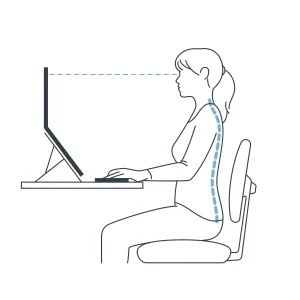
Most laptops sit too low, forcing the head to tilt downward for hours. Over time, that subtle lean leads to neck strain and shoulder tension.
Raising the screen to eye level is the first and most important step toward a healthier posture. It aligns the spine, reduces fatigue, and instantly changes how work feels.
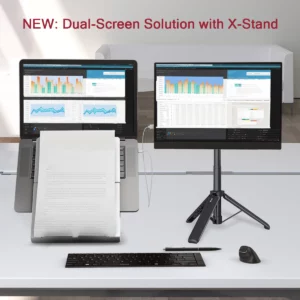
Our stands — including the Oryx Evo D, Etra, and KickStand — are engineered for this purpose. Each one lifts the screen to an ergonomic height while folding flat for effortless portability. For dual-screen or tablet users, the X-Stand extends that same principle, creating an adjustable, space-efficient setup anywhere work happens.
Every hinge, fold, and millimetre is designed to support alignment — enabling longer, more comfortable work without compromise.
2. Comfort Starts at Your Hands
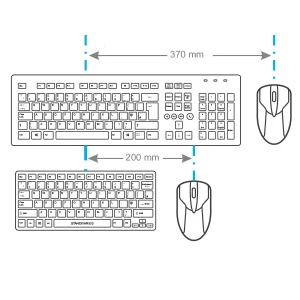
Ergonomics doesn’t end at eye level. It continues through shoulders, wrists, and fingers. Many professionals still type on compact laptop keyboards or rely on standard mice that force the hands into tense positions.
The Solo X wireless keyboard encourages a relaxed typing posture that aligns naturally with the shoulders. Its compact layout reduces reach, while its quiet keys offer precision without strain. Paired with the AVE /’a:vei/ ergonomic mouse — shaped to fit the hand and support neutral wrist movement — the result is a setup that feels effortless and fluid.
Together, they turn every keystroke and movement into comfort, not endurance — essential components of a well-balanced ergonomic workstation setup.
3. Keep Your Documents in Sight
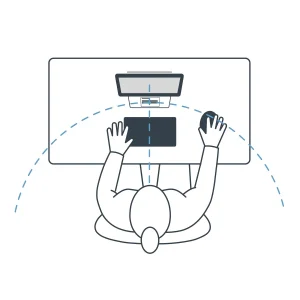
Every glance down at a piece of paper breaks focus — and posture. Constant neck tilting or twisting leads to fatigue that quietly accumulates through the day.
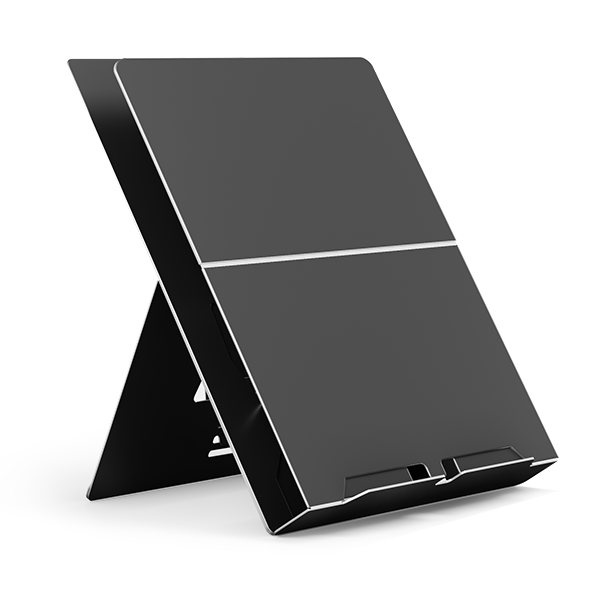
Our Libro document holders restore order to the gap between screen and desk. By keeping papers at the same height and angle as the screen, they encourage natural eye movement and reduce repetitive strain.
Small design changes like this form the invisible heart of ergonomics: subtle, efficient, and profoundly effective.
4. Ergonomics Without Boundaries
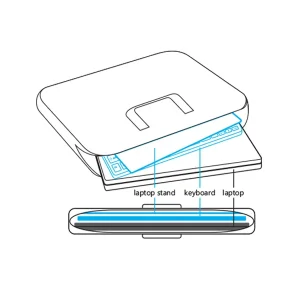
Hybrid work means the “office” might change daily — from a company desk to a kitchen table or coworking hub. Traditional ergonomic solutions weren’t built for that level of mobility. Ours are.
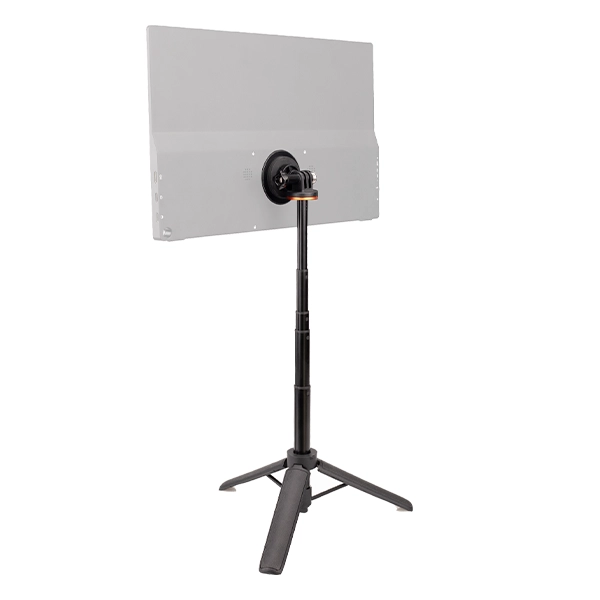
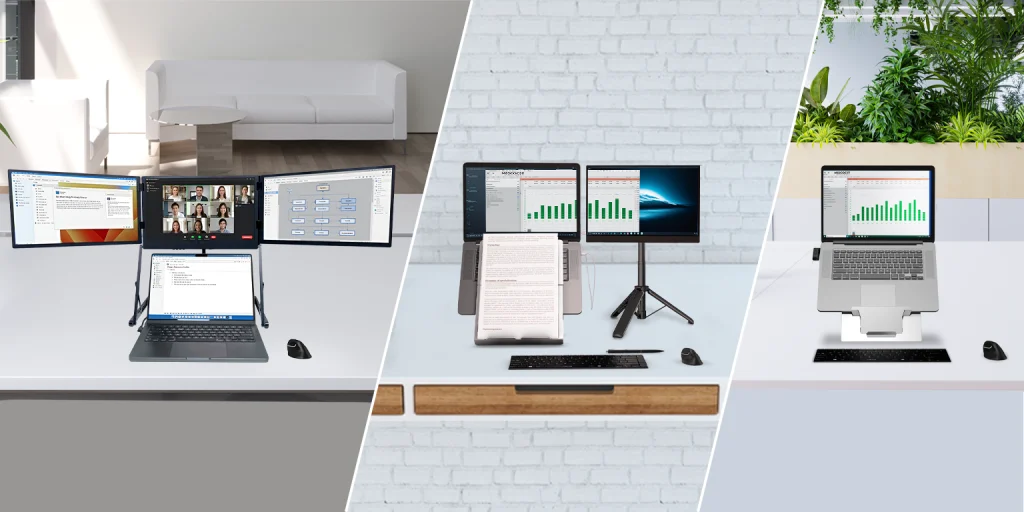
Every Standivarius product is designed to travel as well as it performs. From folding stands to rechargeable wireless peripherals and portable multi-screen setups, our tools maintain ergonomic consistency wherever work takes place.
Comfort shouldn’t depend on location — it should follow the worker. That’s what defines a truly portable ergonomic workstation setup.
5. A Complete Setup for Modern Work
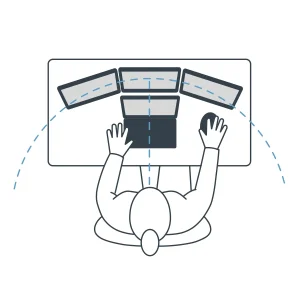
Ergonomics works best as a system, not a single product. A balanced workspace combines screen height, keyboard placement, hand posture, and visual alignment — each element supporting comfort and focus.
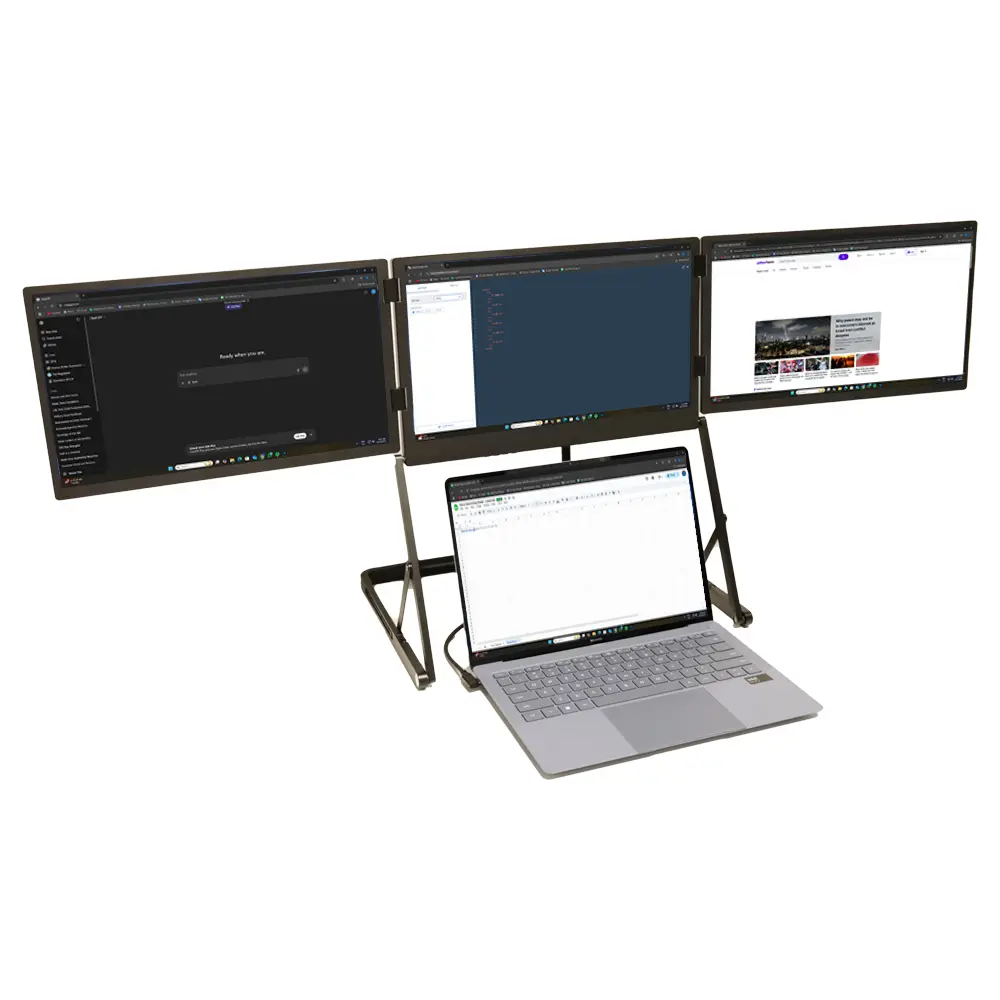
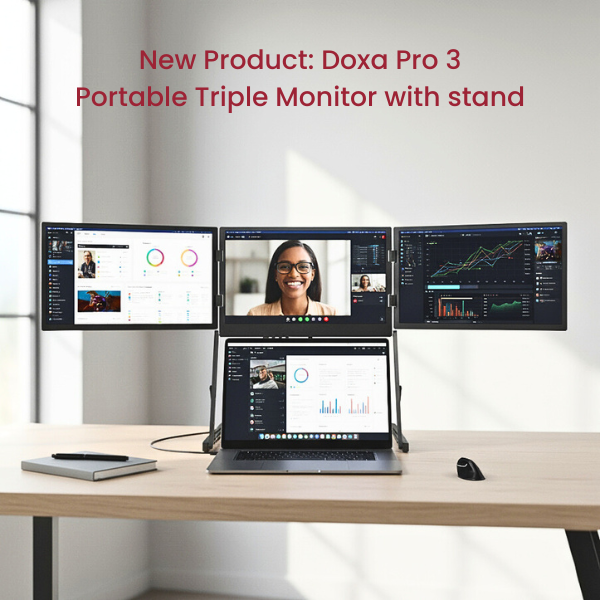
Pair the Oryx Evo D with the Solo X keyboard and AVE /’a:vei/ mouse, add a Libro document holder for easy referencing, and complete the setup with the Doxa Pro 3 portable triple monitor for uninterrupted visibility.
The result is a workspace that promotes posture, clarity, and flow — whether at home, in the office, or on the move.
This is ergonomics made real: adaptable, durable, and designed to enhance how professionals think, move, and create — the foundation of every ergonomic workstation setup.
6. Beyond Awareness, Toward Everyday Practice
Global Ergonomics Month raises awareness, but comfort depends on what happens afterward. It isn’t about a single month of attention — it’s about forming daily habits that protect long-term health and performance.
At Standivarius, our mission is to make those habits effortless. Every product supports better posture, clearer focus, and healthier work — anywhere, every day.
Because the best ergonomic workstation setup isn’t theoretical. It’s the one that people actually use.
Explore the full Standivarius range. Discover how every product contributes to healthier, more productive workdays.
🔗 https://www.standivarius.com/