

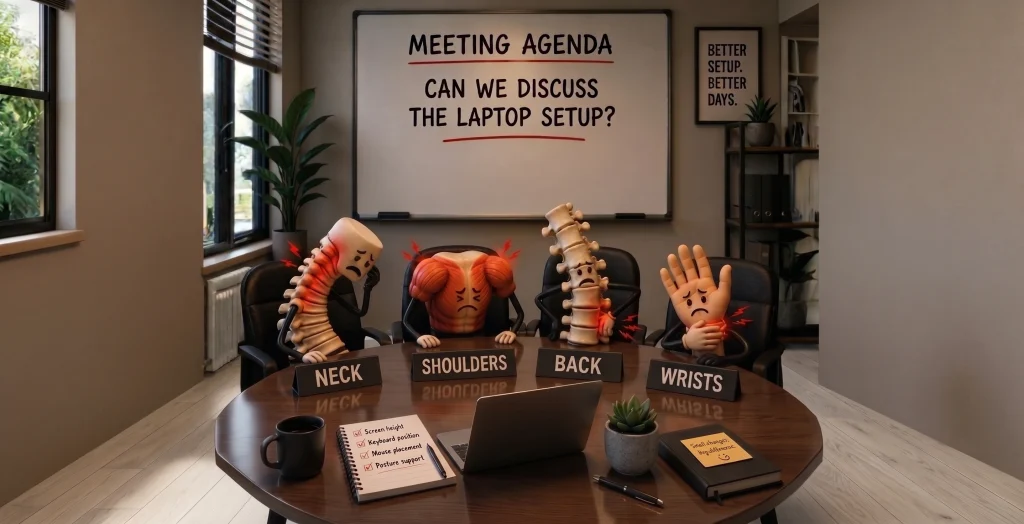
Your neck has a complaint. Your shoulders have something to say. Your back has been waiting for its turn, and your wrist is definitely not happy with that mouse.
So, we called a meeting.
Not between colleagues, but between the different parts of your body that deal with your workstation every day. Each one has a different complaint about the way you work. And each complaint points to a simple question: could your workstation ergonomics be working better for you?
In our Meeting Series, we gave your neck, shoulders, back and wrist a chance to speak up — and explored practical ergonomic solutions that can help address each concern.
The Neck Has Something to Say
Let’s start at the top.
When you work directly from a laptop, the screen is often positioned well below eye level. Over time, you may find yourself looking down towards the screen rather than keeping your head in a more comfortable position.
For your neck, that’s a lot of time spent looking down.
The Solution: Bring the Screen and Reference Materials Up
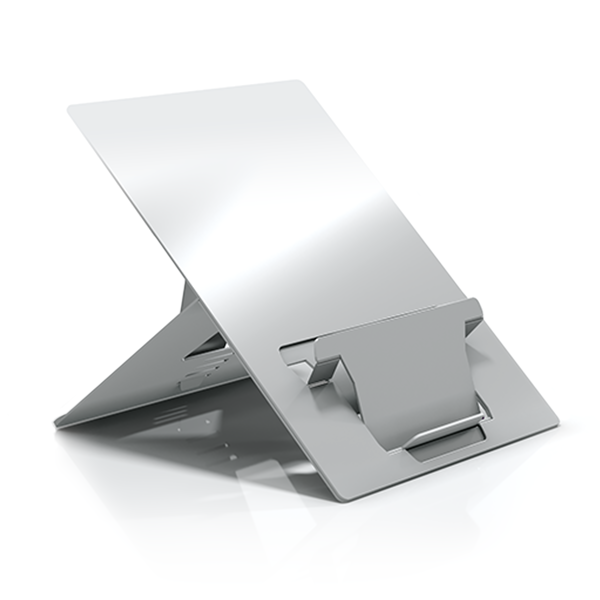
One way to address this is by introducing an ergonomic laptop stand and document holder. Raising the screen brings it closer to eye level, while keeping reference materials within the natural viewing zone.
This can help create a more organised visual workspace, particularly when working between a laptop and physical documents.
The Oryx evo D, for example, combines a laptop stand with an integrated document holder, allowing both the screen and reference material to be positioned higher and closer to your natural line of sight.
This is one simple example of how workstation ergonomics can start with changing the position of the screen rather than changing the way you hold your body.
The Shoulders Are Joining the Conversation
The neck isn’t the only one with a complaint.
When your laptop, keyboard and mouse are not positioned well, your shoulders can end up doing more work than they should. Reaching forward, working with raised shoulders or keeping your arms in an awkward position can all make a workstation feel uncomfortable.
And the longer you stay there, the easier it is to stop noticing
The Solution: Don’t Forget About Arm Support
Many workstation improvements focus on screens, keyboards and mice. But one area is often overlooked: arm support.
Where and how your arms are supported can influence how your shoulders and upper body are positioned while working. Creating a workstation where the arms can rest comfortably, rather than constantly reaching or holding themselves up, can be an important part of a more complete ergonomic setup.
This is where accessories such as ergonomic arm support can complement adjustments to your screen and input devices, helping create a workstation that supports more of the body — not just the parts directly interacting with the technology.
Good workstation ergonomics isn’t only about where your screen sits. It’s also about considering what your arms and shoulders are doing while you work.
The Back Has Had Enough
Now it’s the back’s turn.
A laptop setup can encourage you to lean forward towards the screen, particularly when the display is low or difficult to see clearly. And when you’re focused on work, it’s easy to remain in the same position for much longer than you realise.
Your back may have been quietly putting up with it all day.
The Solution: Build a Complete Ergonomic Setup
Addressing back comfort often means looking at the workstation as a whole rather than focusing on one piece of equipment.
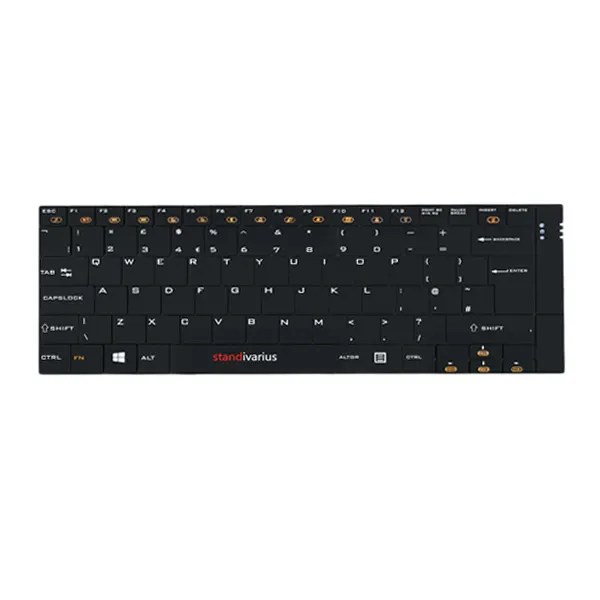
A raised screen, combined with a separate keyboard and mouse, gives you greater flexibility to position each element independently. Instead of having to bring your body towards a low laptop screen, the workstation can be arranged around a more suitable working position.
A complete ergonomic setup can therefore bring together a laptop stand, external keyboard and mouse to create greater flexibility between the screen, hands and body.
This is where workstation ergonomics becomes less about one product and more about how the different parts of your setup work together.
The Wrist Wants to Be Heard
Last on the agenda: your wrist.
A mouse may look like a small part of your workstation, but it’s something you can use repeatedly throughout the working day.
With a conventional mouse, your hand may rest in a position that rotates the forearm and places the wrist at an angle that isn’t comfortable for everyone.
You might not notice it immediately. Your wrist probably does.
The Solution: A More Natural Hand Position
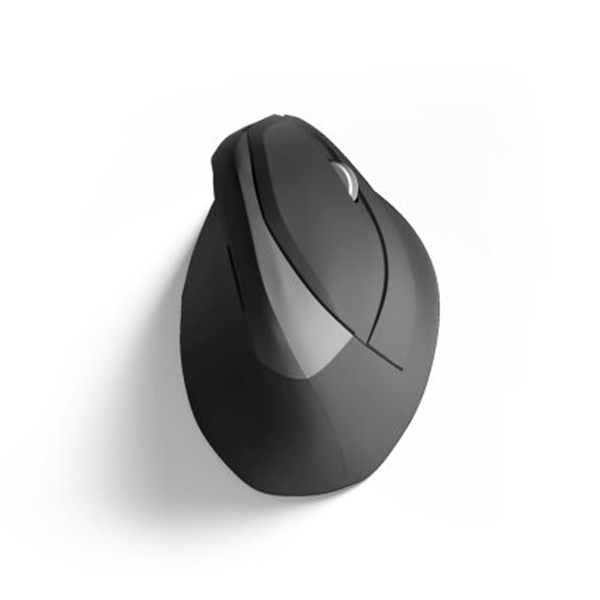
One way to change this is by using a vertical ergonomic mouse.
Unlike a conventional mouse, its vertical design allows the hand and wrist to adopt a more natural position, reducing the degree to which the hand needs to rotate while using the mouse.
The AVE /’a:vei/ wireless ergonomic mouse is designed around this principle, offering an alternative hand position for people who spend a significant part of their working day using a mouse.
It’s another example of how workstation ergonomics can involve small, targeted changes to the way you interact with your equipment.
What Did We Learn From the Meeting?
Each body part had its own complaint — from screen height and arm support to workstation setup and mouse position.
But they all agreed on one thing: your workstation can influence how your body works throughout the day.
Workstation ergonomics doesn’t mean changing everything at once. Small, targeted adjustments — raising your screen, supporting your arms, separating your keyboard and mouse, or using a more natural mouse position — can make a difference.
Listen to Your Body. Adjust Your Setup.
Your body knows what needs changing. Sometimes, you just need to listen.
Meeting adjourned.
Find the Right Ergonomic Tools for the Way You Work
Explore the Standivarius workplace solutions range and discover solutions designed for portability, durability and better ergonomics.
Stay Connected
Follow Standivarius for ergonomic tips, workspace inspiration, product updates and the latest innovations in portable workplace ergonomics.